makerzz vs CapCut
Choose makerzz if you want a finished reel from one raw take, then posted and scheduled for you. Choose CapCut if you like to edit on a timeline yourself and want a large set of free tools and templates.
1 free video to start · no card
makerzz and CapCut, feature by feature
Both help you make short videos. They work in very different ways.
| Feature | makerzz | CapCut |
|---|---|---|
| What it does | Edits your raw take or topic into a finished video, then posts it | A video editor with templates and many AI tools |
| How editing works | Auteur, our AI editing engine, does the whole edit. You approve or ask for changes in plain words | You edit on a timeline yourself, with AI tools to help |
| Styles and templates | 24 house styles, each a full edit | Templates in many categories |
| Captions and languages | Auto captions in 33 languages, including Hinglish | Auto captions in multiple languages |
| Where it runs | In the browser | Desktop, browser, tablet and phone apps |
| Publishing and scheduling | Post or schedule to 8 platforms | Not listed |
| DM automation | Comment-to-DM on Instagram and Facebook | Not listed |
| Free tier | 1 edited video to start, no card | Free to try, no card |
| Starting price | Starter $29/month for 30 videos | Varies by region |
CapCut facts come from its own website, checked 2026-10-20. Plans and features change, so check their site before you buy.
Three steps, one take
- 01
Upload your take
Upload a raw face-cam video as it is, or type a topic for a faceless video.
- 02
Pick a style
Choose one of 24 house styles. Auteur plans the cut, builds visuals and adds captions.
- 03
Approve and post
Ask for changes in plain words, approve, then post now or schedule it.
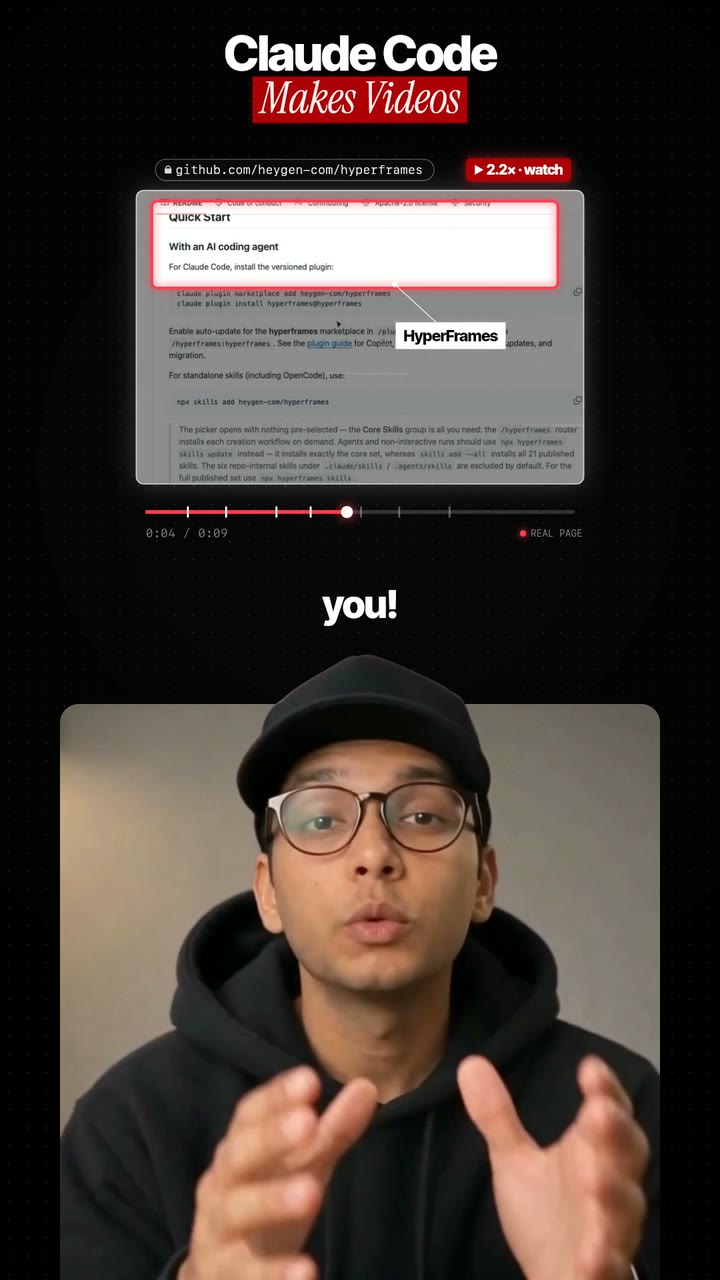
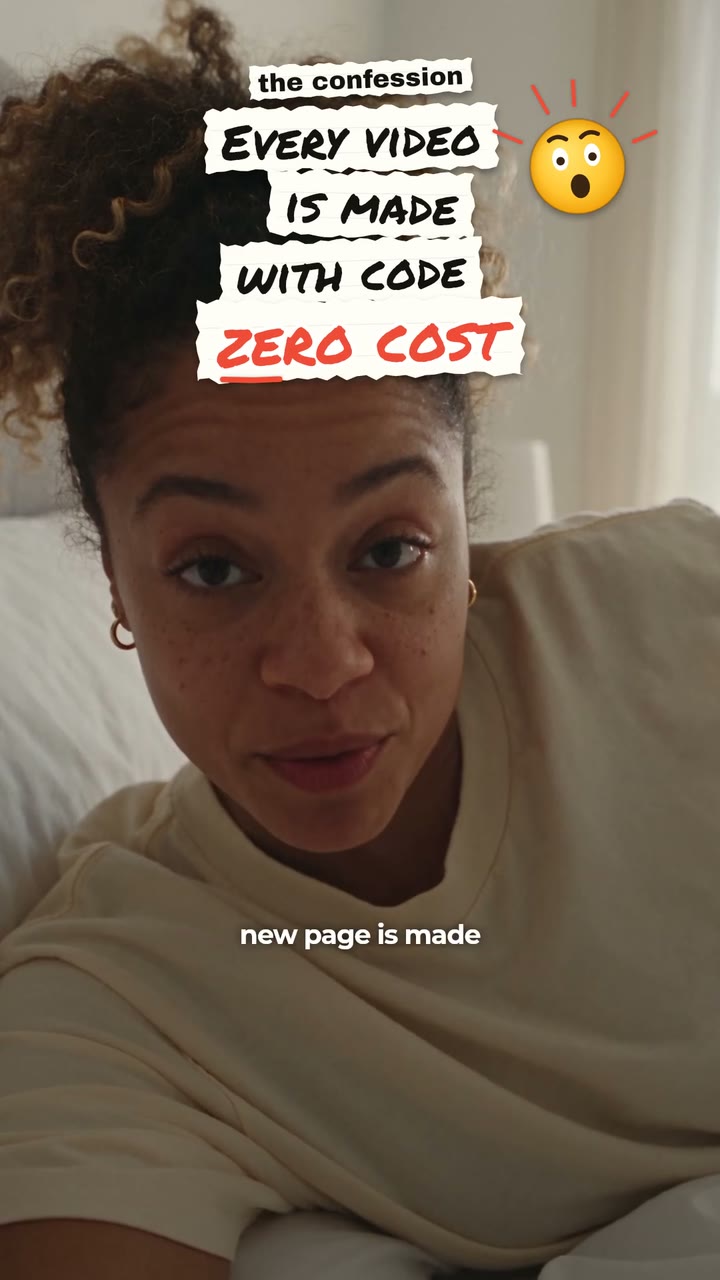
Real renders, not mock-ups
In CapCut you build the look yourself. In makerzz you pick a style and the edit follows it.


Where makerzz is better
makerzz does the whole edit for you. You do not place cuts, captions or graphics by hand. That saves the most time if you post often.
It also handles what comes after the edit. makerzz writes a caption for each platform, posts or schedules to Instagram, TikTok, YouTube, LinkedIn, Facebook, X, Threads and Pinterest, and can send a DM to people who comment a keyword.
Where CapCut is better
CapCut gives you full control over every frame. If you enjoy editing, or need an exact look, a timeline editor is the better tool.
It has apps for desktop, phone, tablet and the browser, a big template library, and AI tools such as text to speech, background removal and noise reduction. You can start for free.
Who should pick which
Pick makerzz if you are a creator, founder or coach who talks to camera and wants a steady stream of finished, posted reels without a timeline.
Pick CapCut if you like to edit by hand, want to edit on your phone, or make many kinds of video beyond talking reels. Some people use both: makerzz for daily reels, CapCut for special projects.
Common questions
01Is makerzz a CapCut alternative?
For talking reels, yes. makerzz edits the whole video for you, while CapCut is an editor you control by hand.
02Can I edit by hand in makerzz?
Not on a timeline. You ask for changes in plain words, like a new hook, a shorter cut or a different style.
03Is CapCut free?
CapCut lets you start for free with no card. Its paid plan price varies by region, so check its site.
04Can makerzz post my videos for me?
Yes. It posts or schedules to Instagram, TikTok, YouTube, LinkedIn, Facebook, X, Threads and Pinterest.
05Does makerzz have a phone app?
makerzz runs in the browser, including on your phone, so there is nothing to install.
06Can I try makerzz for free?
Yes. The Free plan includes 1 edited video to start, with no card needed.
Your next video
Film it once. We do the rest.
Start free with your first edited video. No card needed.