Turn one long video into a clean cut and shorts
To turn a long video into shorts, upload the raw recording to makerzz and choose a full edit. Auteur, our AI editing engine, removes retakes, long pauses and filler, gives you a clean 16:9 cut with chapters, and pulls 3 or 5 vertical shorts from it.
1 free video to start · no card
Three steps, one take
- 01
Upload the recording
Drop in your podcast, class, interview or vlog as it was recorded. You can upload many files at once, and Auteur joins them in order.
- 02
Pick what you want back
Choose how many shorts you want (0, 3 or 5), how captions should look, and whether to use the Podcast Pro look or keep your footage as shot.
- 03
Review and post
Check the long cut and each short, ask for changes in plain words, then download them or post the shorts to TikTok, Reels and YouTube Shorts.
Real renders, not mock-ups
Shorts come out in the same look as your long cut. Want more motion? A graphics pass can run your shorts through one of the first two styles below.
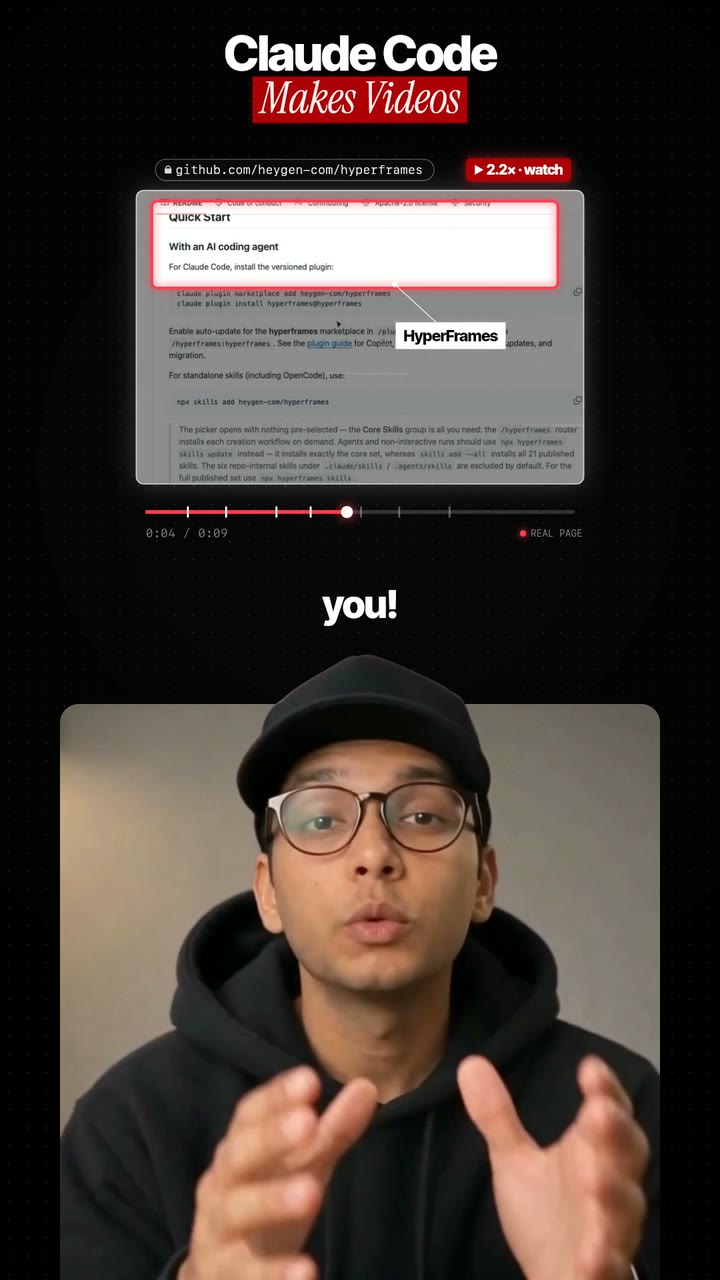
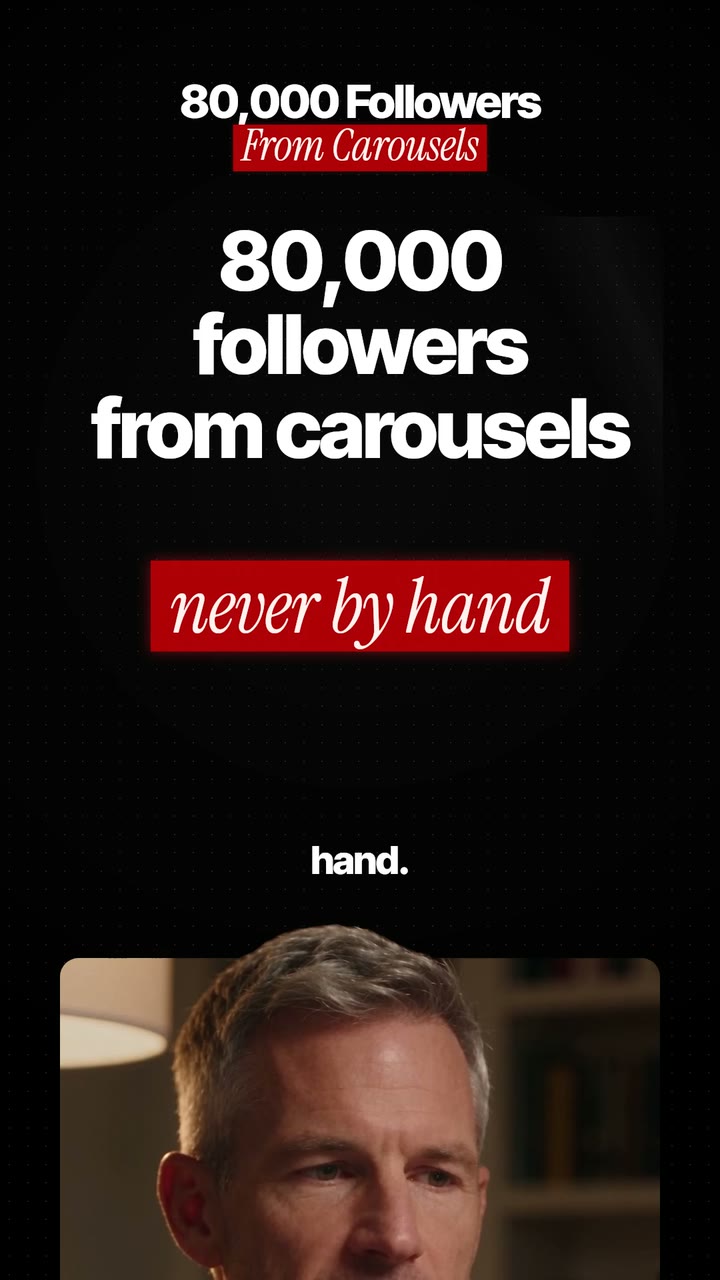
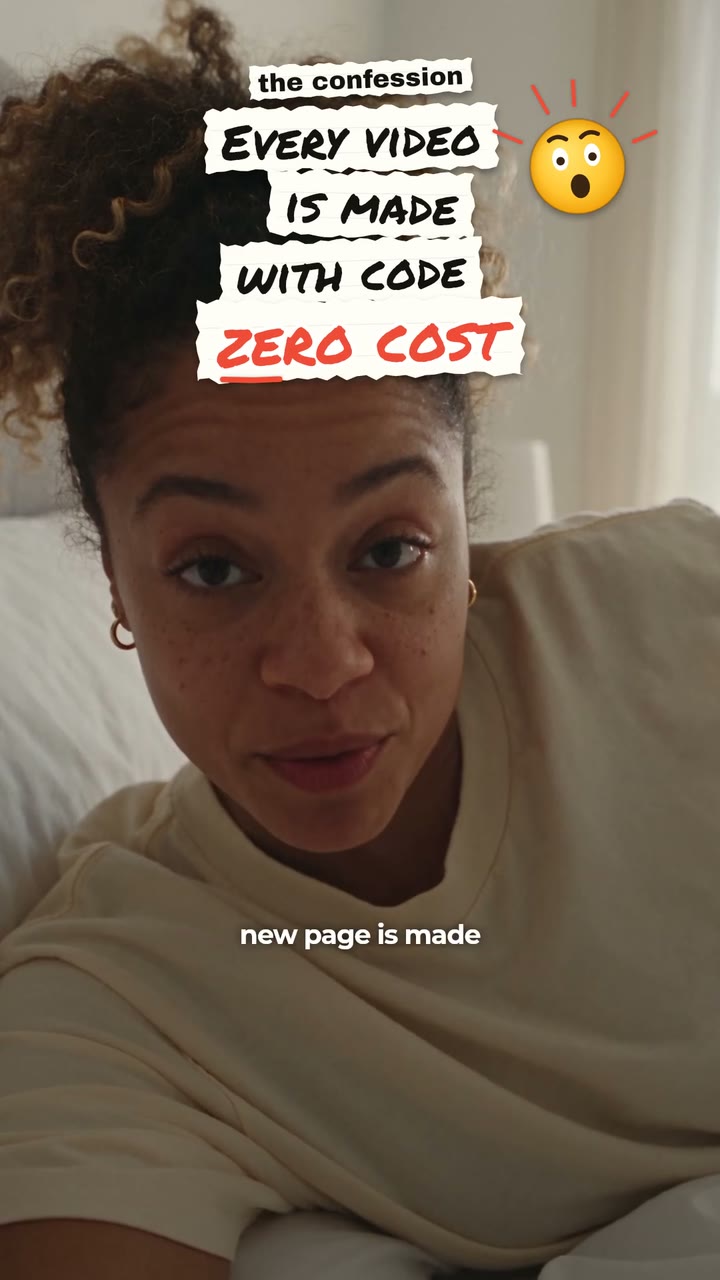
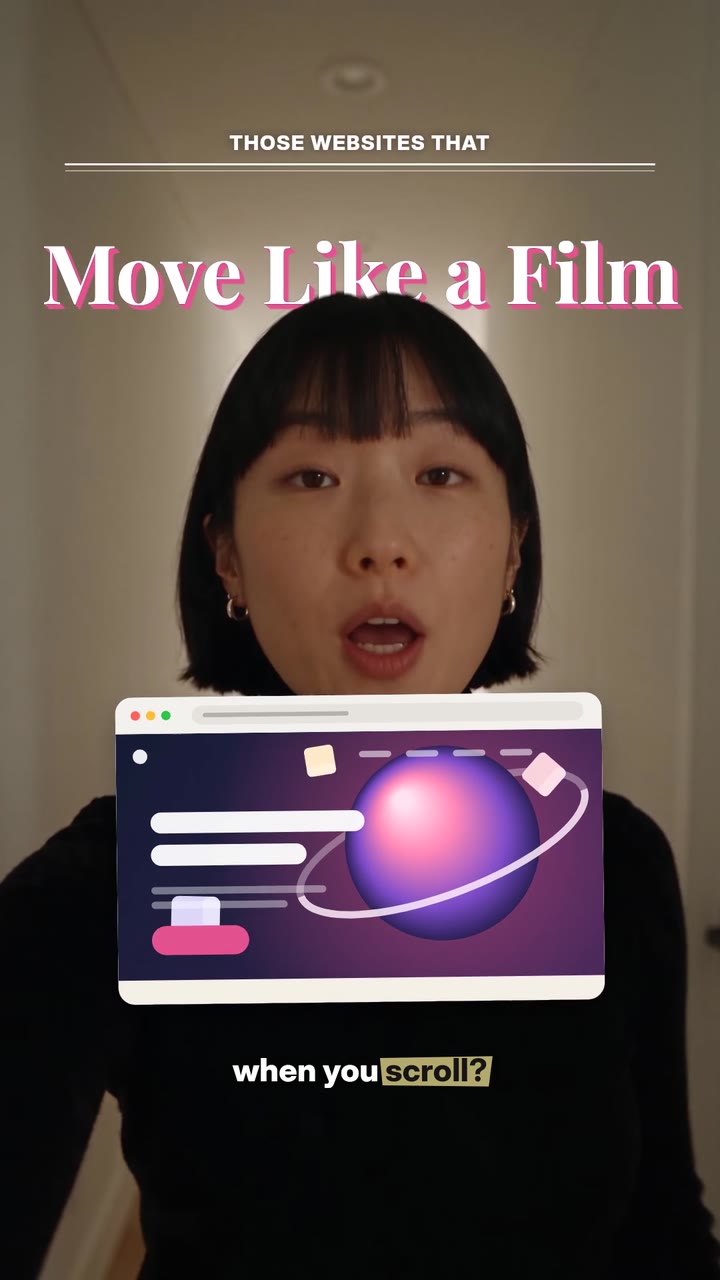
What you get from one upload
A clean long video in 16:9 for YouTube, with retakes, long pauses, filler words and off-topic chatter taken out. Auteur keeps the last complete take of each line and punches in on the jump cuts so they look smooth.
Chapters for the long video, captions burned in or as SRT and VTT files, and up to 5 vertical shorts picked from moments that make sense on their own. Every cut is listed with the words removed and the reason, and each cleanup can be switched off.
How long can the recording be?
It depends on your plan. A full edit can use up to 10 minutes of footage on Free, 20 minutes on Starter, 45 minutes on Creator, and an hour on Pro and Scale. You can split that across up to 50 files.
Editing takes about one minute for each minute of raw footage. You can close the tab while Auteur works.
Who it is for
Podcasters who want Shorts from every episode. Coaches and teachers who record long lessons. Founders who record a long talk and want a week of clips from it.
The honest comparison
There are a few ways to get shorts out of a long video. Here is an honest look.
Cutting it yourself
Full control in any editor, but finding the best moments in an hour of footage, then reframing and captioning each one, can take a whole day.
Clipping tools
Tools such as OpusClip and Vizard focus on finding short clips in a long video and adding captions and a vertical crop.
Transcript editors
Descript lets you edit video by editing the text. It is great for fine control, but you still choose most cuts yourself.
makerzz
Cleans up the full recording and cuts the shorts in one job, then writes captions per platform and posts or schedules them.
Common questions
01Can I turn a podcast into YouTube Shorts?
Yes. Upload the episode, pick 3 or 5 shorts, and Auteur cuts vertical clips from the cleaned-up edit. You can post them to YouTube, TikTok and Instagram from makerzz.
02Do I get the full-length video too?
Yes. You always get the clean 16:9 cut with chapters. The shorts are pulled from that cut.
03Can I check what was cut?
Yes. Every cut is listed with the words removed and why, and each cleanup can be switched off.
04Can the shorts have captions in another language?
Yes. Captions can be translated into another language, along with the chapter titles.
05Can I try it for free?
Yes. The Free plan includes full edits of up to 10 minutes of footage, with no card needed.
06What files can I upload?
MP4 or MOV. You can upload up to 50 files for one edit, and Auteur joins them in order.
Your next video
Film it once. We do the rest.
Start free with your first edited video. No card needed.