Hinglish captions and Hindi subtitles for your reels
makerzz adds Hinglish captions in Roman letters, or Hindi subtitles in Devanagari, to your videos automatically. Pick Hinglish or Hindi as your language, upload your take, and Auteur, our AI editing engine, edits and captions it in that script.
1 free video to start · no card
Three steps, one take
- 01
Choose your language
Pick Hinglish (Roman) if you want captions like "yeh tip kaam karti hai". Pick Hindi for Devanagari script.
- 02
Upload your take
Speak the way you normally do, mixing Hindi and English. Auteur transcribes it and writes it in the script you chose.
- 03
Approve and post
Check the words, ask for any fixes, then post to Instagram, YouTube and more with a caption written for each.
Real renders, not mock-ups
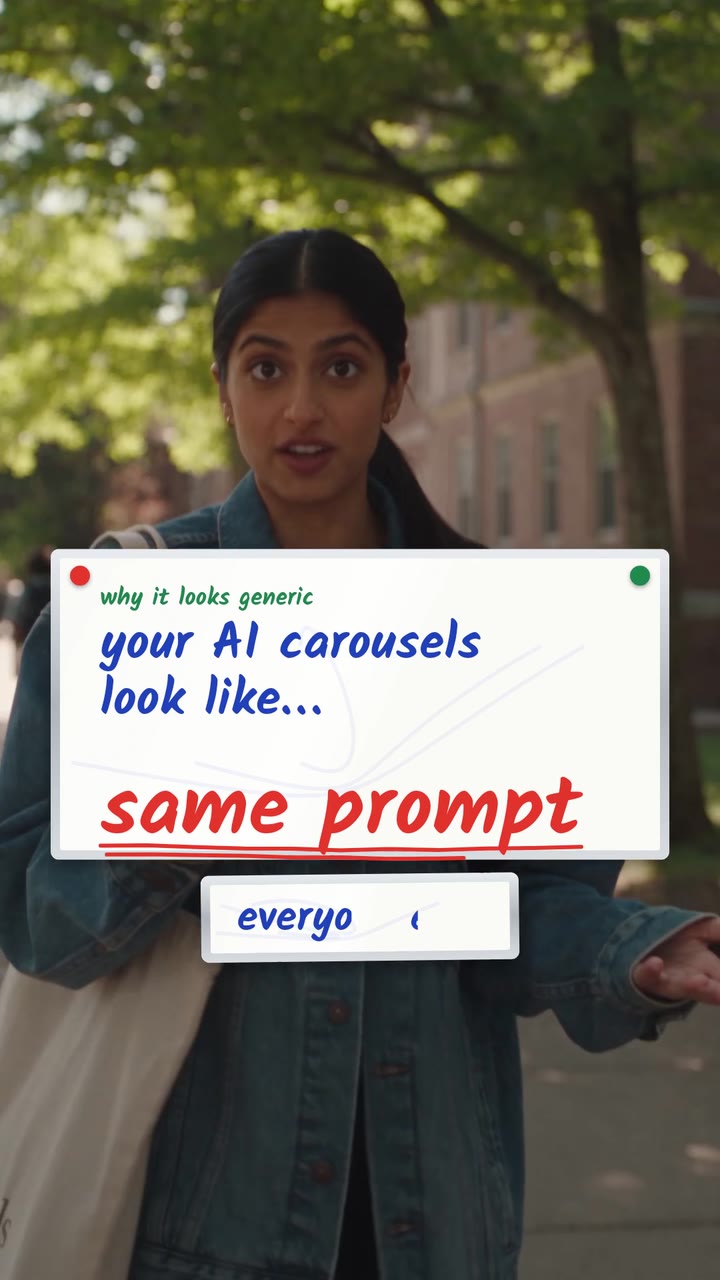
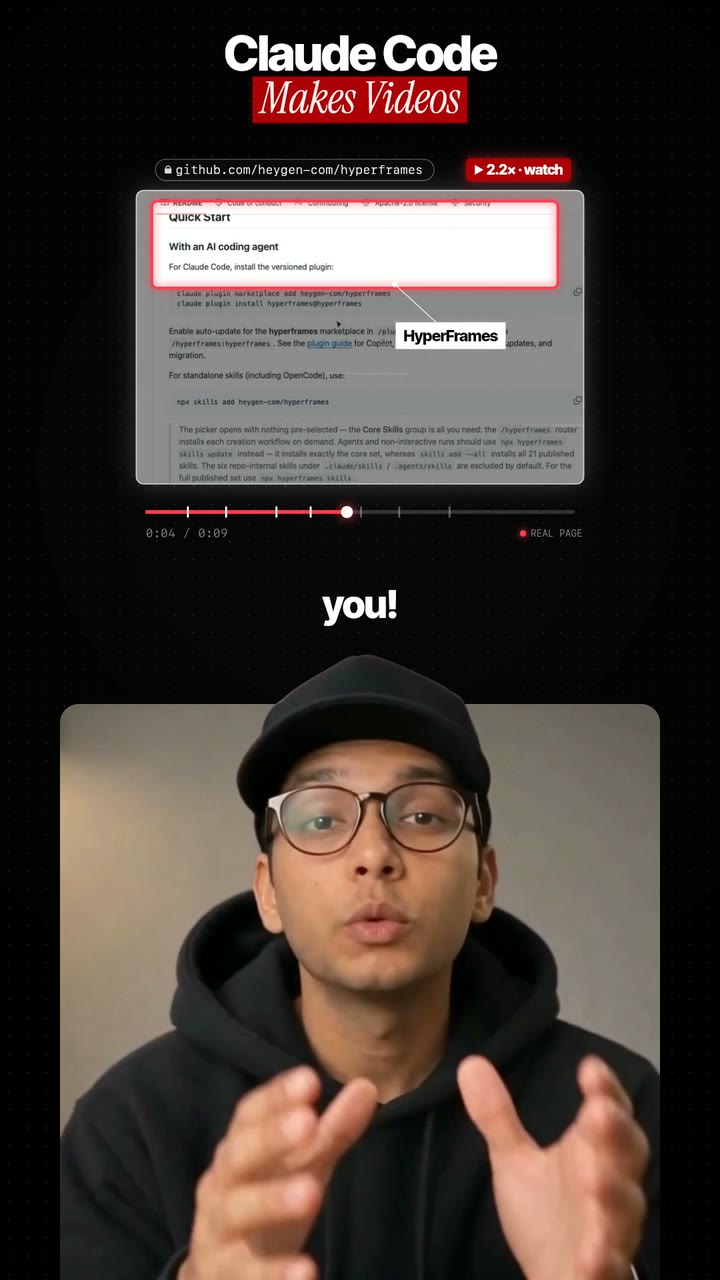
Hindi and Hinglish captions work across the styles. These four keep the words big and clear.


Why Roman Hinglish captions
Many Indian viewers read Hindi faster in Roman letters on social media, because that is how they type. Hinglish captions match how people actually text.
If your audience prefers Devanagari, choose Hindi instead. The captions use fonts made for Indian scripts, so letters join and render the right way.
Other Indian languages
Captions also work in Bengali, Tamil, Telugu, Marathi, Gujarati, Punjabi, Kannada, Malayalam and Urdu, plus more than 20 other languages.
Who it is for
Indian creators who speak the way their audience talks: finance and career creators, teachers, tech reviewers, food and travel creators, and small businesses selling on Instagram. If your viewers comment in Hinglish, your captions probably should be in Hinglish too.
Post captions follow your choice. makerzz writes the Instagram caption and YouTube title from your transcript, and you can edit them before posting.
The honest comparison
Hindi captions are common now. Roman Hinglish is less so. Here is how options compare.
Typing it yourself
You can write Hinglish exactly how you like, but timing every line takes a long time.
CapCut and Submagic
Both offer Hindi auto captions. Check whether the output is Devanagari or Roman before you rely on it.
Translation tools
Some tools translate Hindi to English captions. Useful for a new audience, but it is not Hinglish.
makerzz
Lets you pick Roman Hinglish or Devanagari Hindi, and edits and posts the whole video.
Common questions
01What are Hinglish captions?
Captions that write Hindi and English mixed speech in Roman letters, the way most people text. For example, "aaj ka tip bahut simple hai".
02Can I get Hindi captions in Devanagari?
Yes. Choose Hindi as the language and the captions come back in Devanagari script.
03Does it understand mixed Hindi and English?
Yes. Choose Hinglish and Auteur writes your mixed speech in Roman letters, with the timing kept word by word.
04Can I fix a wrong word?
Yes. Pause where it is wrong and write the fix. Auteur makes a new version.
05Which other Indian languages work?
Bengali, Tamil, Telugu, Marathi, Gujarati, Punjabi, Kannada, Malayalam and Urdu.
06Is it free to try?
Yes. The Free plan includes 1 edited video to start, with no card needed.
07Can I post Hinglish reels to Instagram and YouTube at once?
Yes. Pick both accounts when you post, and each gets its own caption.
Your next video
Film it once. We do the rest.
Start free with your first edited video. No card needed.