Add captions to video automatically
To add captions to a video automatically, upload it to makerzz and pick a style: Auteur transcribes what you said and places timed, styled captions on the video for you. It also writes a separate post caption for each platform, so the video is ready to publish.
1 free video to start · no card
Three steps, one take
- 01
Upload the video
Upload a talking video from your phone or camera. Pick the language you spoke, or let makerzz detect it.
- 02
Auteur captions it
Your speech is transcribed, timed word by word and styled to match the look you chose. Key words can be stressed so they stand out.
- 03
Check and export
Pause on anything that is off and ask for a fix, then download the MP4 or post it. Long-form edits can also export captions as an .srt file.
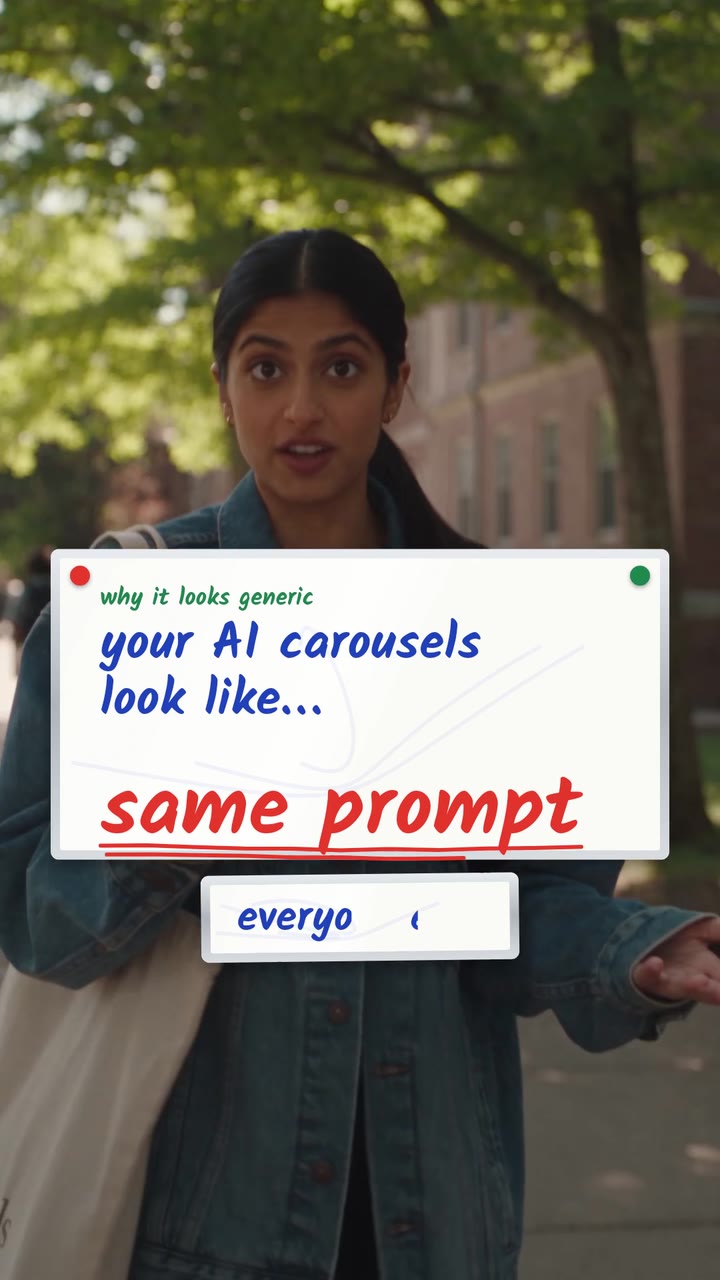
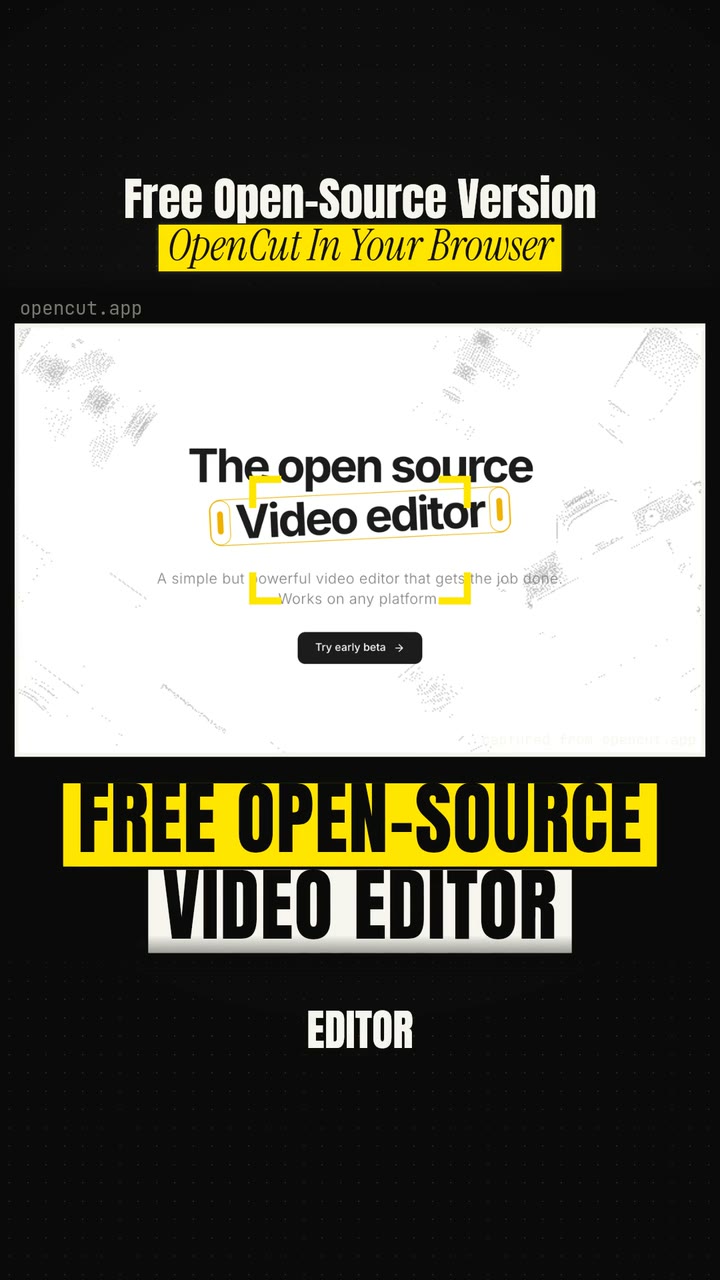
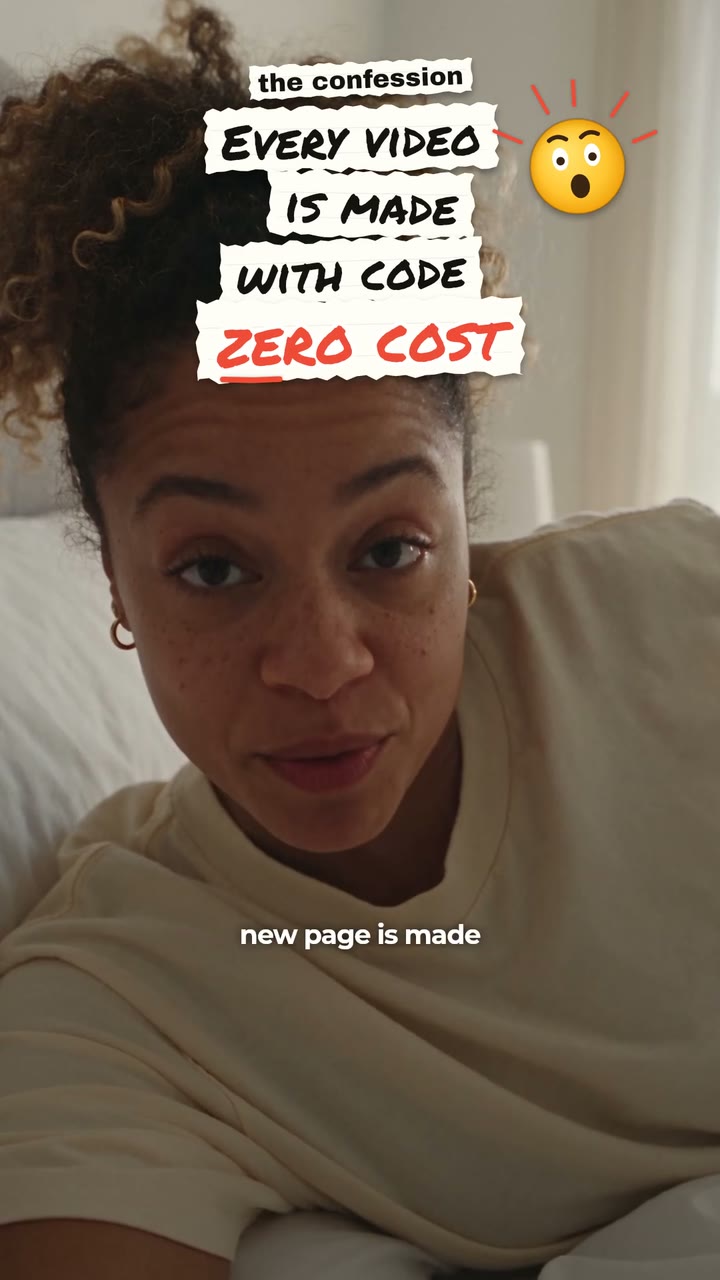
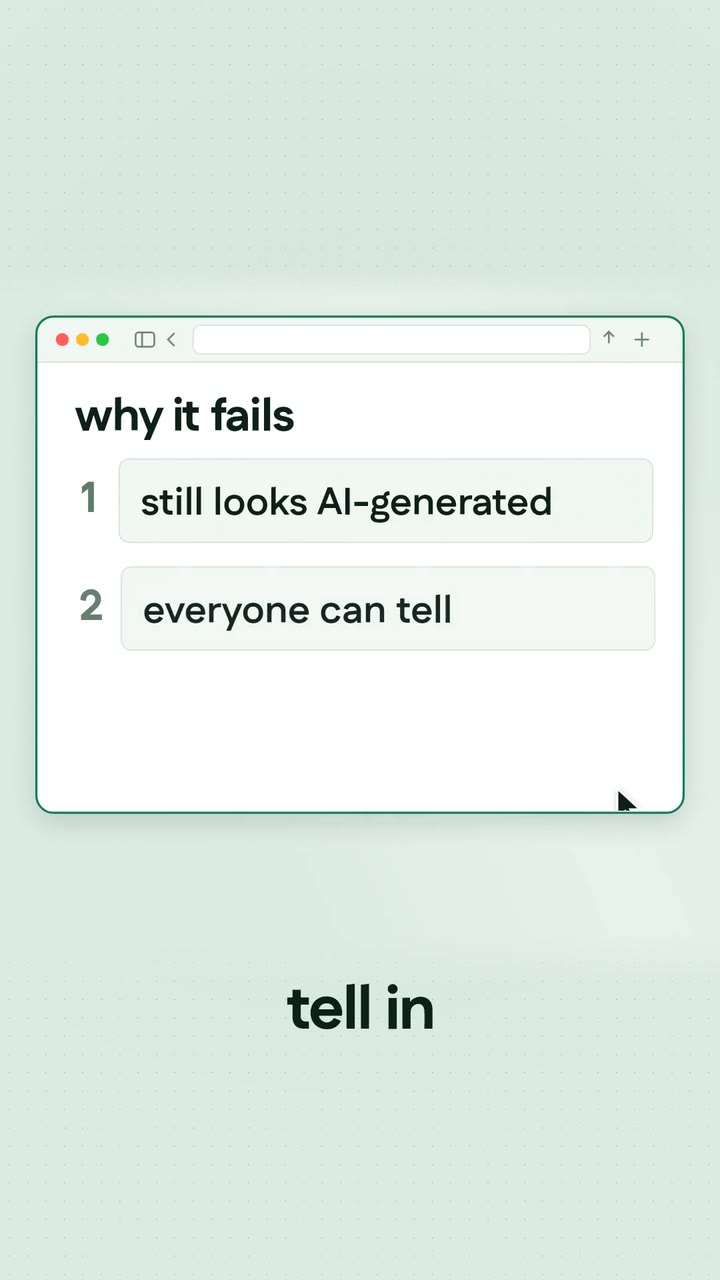
Real renders, not mock-ups
Captions are part of every style. These four put them front and centre.
Two kinds of captions, both done for you
On-screen captions are the words you see on the video. They help people who watch with the sound off, and they keep viewers reading along. makerzz burns them into the edit in the style you picked.
Post captions are the text under the video. Auteur writes these from your transcript: an Instagram caption, a YouTube title and description, a LinkedIn post. You can edit each one before it goes out.
Languages
Captions work in English, Hindi, Hinglish in Roman letters, Spanish, Portuguese, French, German, Arabic, Urdu, Bengali, Tamil, Telugu, Marathi, Gujarati, Punjabi, Kannada, Malayalam, Japanese, Korean, Chinese and more. Captions come back in the language you spoke.
Tips for cleaner captions
Record in a quiet room and hold the mic or phone close. Speak at a normal pace and finish each sentence. Short sentences make short caption lines, which are easier to read on a phone.
If you speak two languages in one take, pick the one you use most, or choose Hinglish for Hindi and English mixed together.
The honest comparison
Most editors can add captions now. The difference is what else comes with them.
Typing captions by hand
Accurate, but slow. Timing each line to your voice is the slowest part.
CapCut and VEED auto captions
Both offer free or low cost auto captions you then style yourself. Good if you want to edit the rest by hand.
Submagic and Captions.ai
Built around animated captions with presets. Quick, and the main look is the captions.
makerzz
Captions are one part of a full edit with motion graphics, and the post captions are written for you too.
Common questions
01How do I add captions to a video automatically?
Upload the video to makerzz, pick a style and Auteur transcribes and places the captions. You review the result before you download or post.
02Are the captions burned in?
Yes. Short edits come back with captions burned into the video. Long-form edits let you choose burned in, a separate .srt file, or none.
03Which languages are supported?
More than 30, including English, Hindi, Hinglish, Spanish, Arabic, Bengali, Tamil, Telugu and Japanese. See the language list in Help.
04Can I fix a wrong word?
Yes. Pause the video where it is wrong and write what it should say. Auteur makes a new version.
05Can I caption a video I already edited?
makerzz is built to edit raw takes. If your video is already finished, the Just post it option writes post captions and publishes it, without changing the video.
06Is it free?
The Free plan includes 1 edited video to start, each with captions.
07Do captions help my videos?
Many people watch short videos with the sound off. Captions let them follow along, and they make your video easier to understand for viewers who are hard of hearing.
Your next video
Film it once. We do the rest.
Start free with your first edited video. No card needed.