Comment to DM automation, set up when you post
Comment to DM sends a private message to everyone who comments a keyword on your post. In makerzz you switch it on when you approve a reel. Add the keyword and what to send, and it starts working on Instagram or Facebook the moment the post goes live.
1 free video to start · no card
Three steps, one take
- 01
Pick a keyword
When you approve a video, switch on comment to DM, type a keyword like GUIDE and add the link or message to send.
- 02
Caption is written for you
Auteur adds a line like "Comment GUIDE to get it" to the caption, so viewers know what to do.
- 03
DMs go out on their own
Each person who comments the keyword gets your message. Replies land in your inbox, and the AI can answer follow-up questions.
What your follower sees
Every step from the comment to the click, with the real messages and the setting you control at each one.
InstagramFacebook
Comment to get a link
People comment a word. They get your link in DMs within seconds.
When to use it
Use it when a post promises something: a guide, a free download, a product page. Say “Comment GUIDE to get it” in the caption and it runs by itself.
What you get
- More link clicksYour link reaches everyone who asked, not just people who find your bio.
- More commentsPeople have a clear reason to comment on your post.
- Hours backNo more copying the same link into hundreds of DMs.
Real renders, not mock-ups
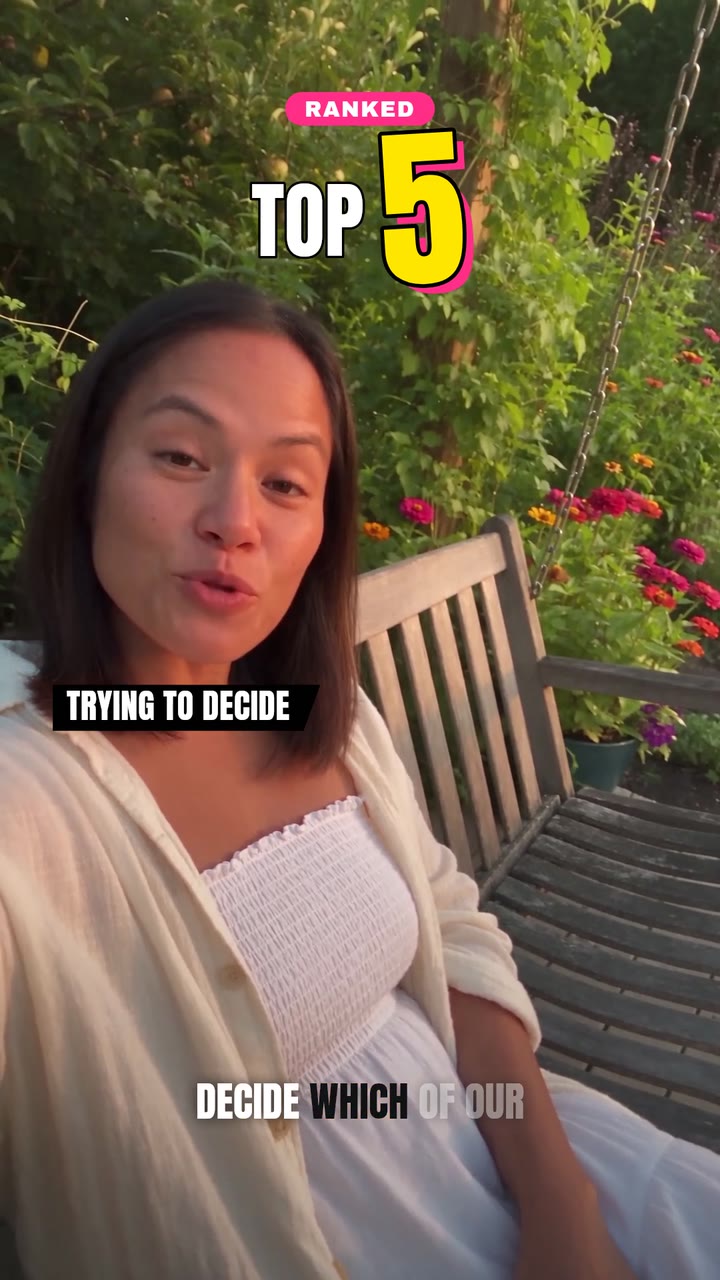
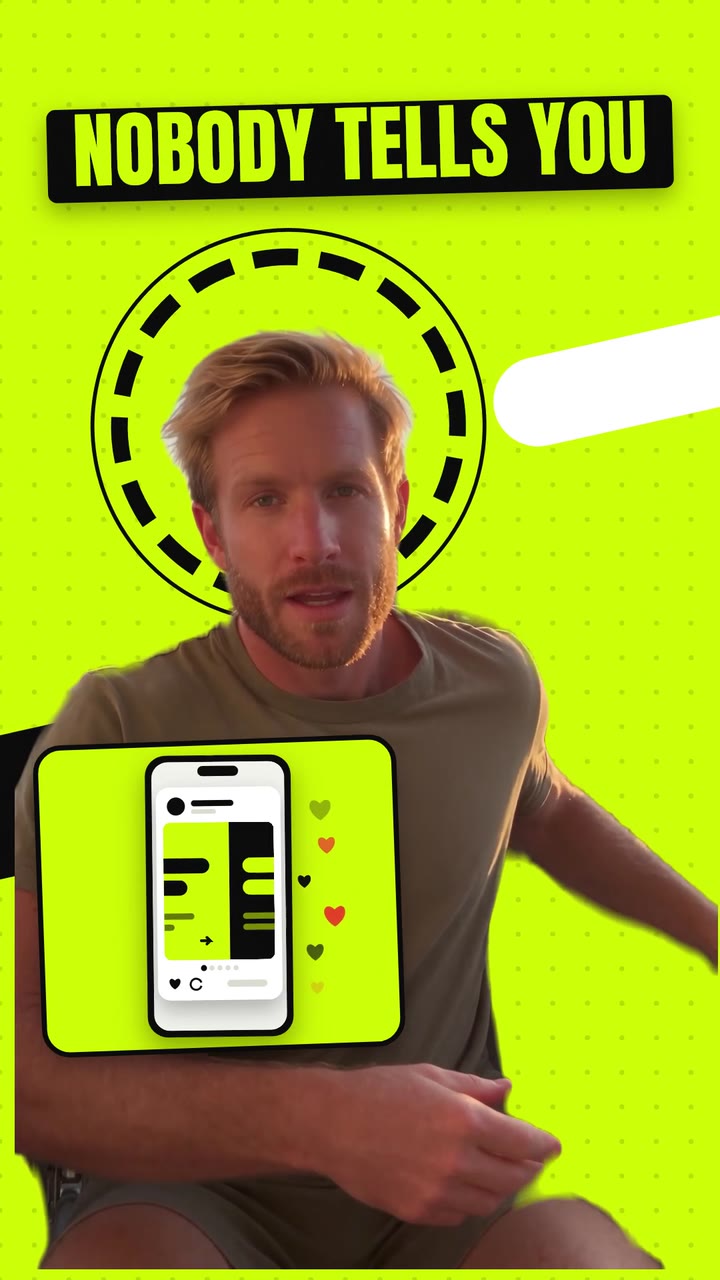
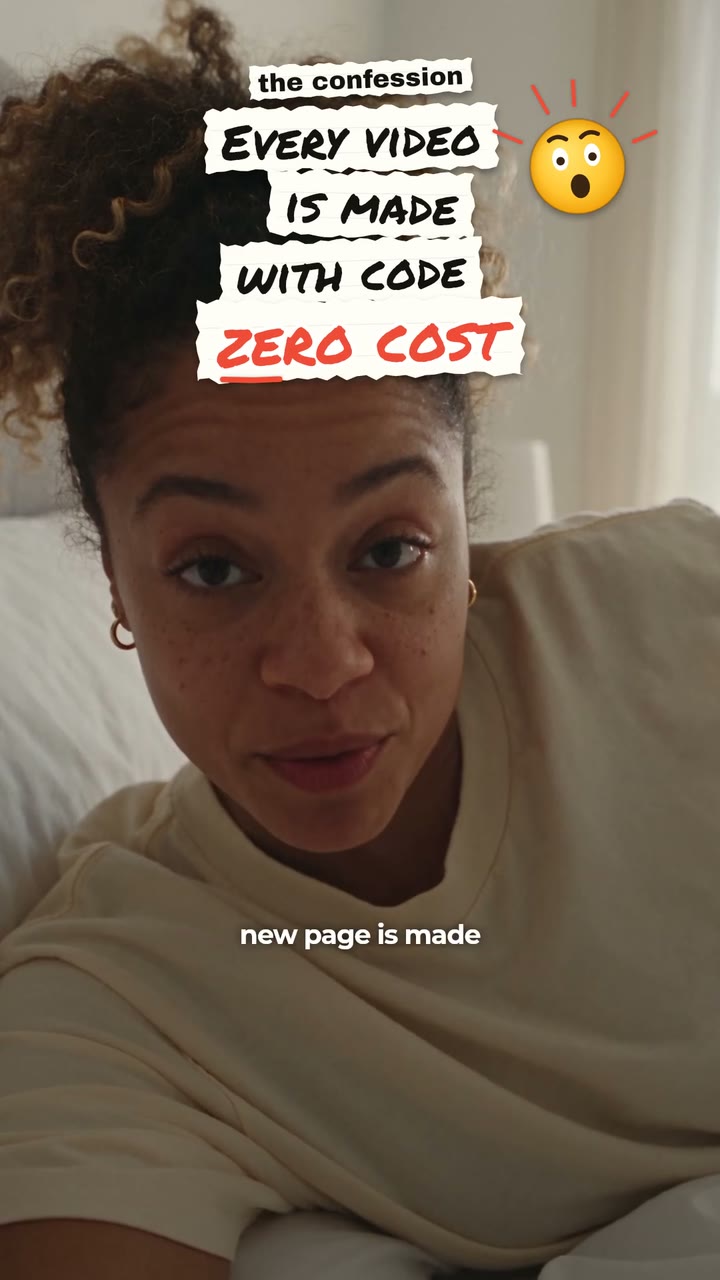
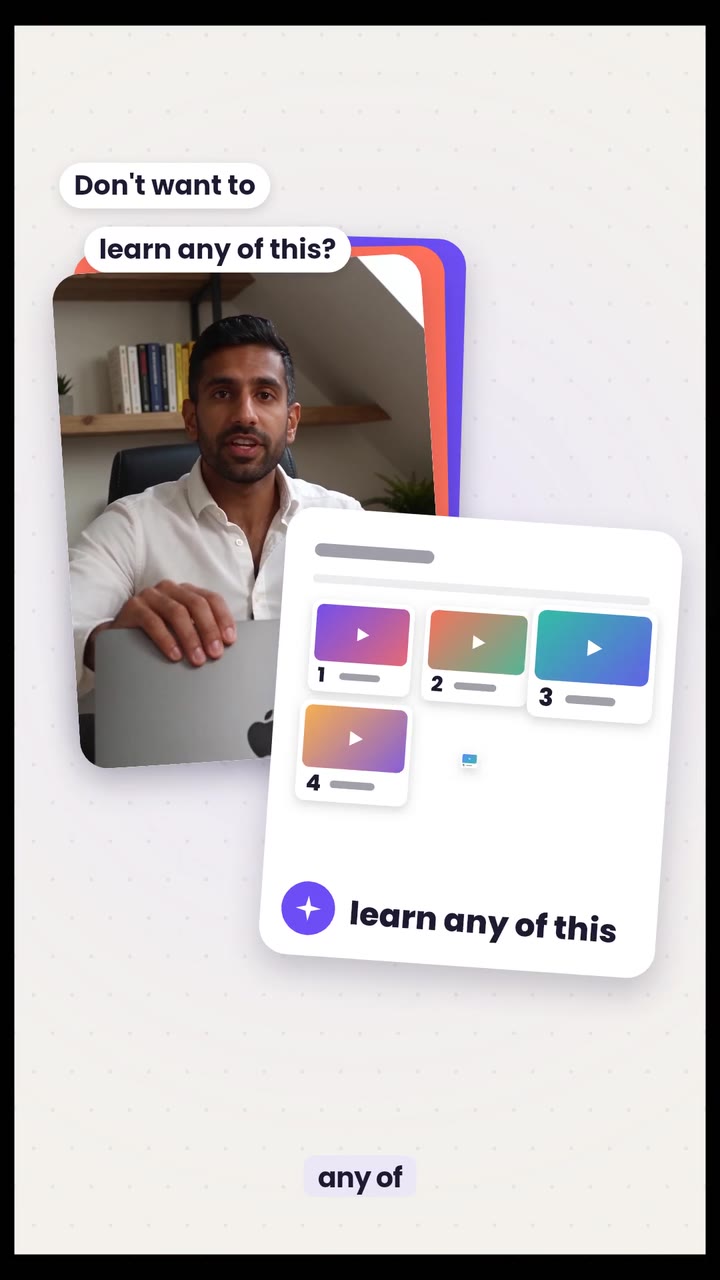
Comment to DM works with any post. These styles make a clear ask at the end.
More than a link
Besides sending a link, makerzz can ask for an email in the chat for a lead magnet or ask people to follow before they get the link. An AI assistant can also answer questions in your voice. Broadcasts let you send one message to a group of your contacts later.
Everything runs through Meta's official API. You never share your password. makerzz follows the platform rules: one private reply per comment, sent within 7 days, and open messaging only within 24 hours of someone writing to you.
Good keywords and offers
Pick one short word that is easy to type, like GUIDE, LIST or PRICE. Say it out loud in the video and show it on screen. Offer something people want right now: a checklist, a template, a discount code or a link to the full video.
Keep the first DM short. Say thanks, give the link, and ask one simple question. The AI assistant can take over follow-up questions if you turn it on.
The honest comparison
Here is how makerzz compares with other ways to run comment to DM.
Replying by hand
Personal, but it does not scale past a few dozen comments, and late replies lose people.
Dedicated DM tools
ManyChat and similar tools offer deep chat flows. They are a separate app from your editor and scheduler.
makerzz
The DM flow is attached to the video when you post it, next to your editor, calendar and inbox. Posting is free, and DMs are paid from credits.
Common questions
01What is comment to DM?
An automation that sends a private message to anyone who comments a set keyword on your post or reel.
02Which platforms does it work on?
Instagram and Facebook. TikTok, YouTube, LinkedIn and Threads do not let apps send a private reply to a comment.
03Do I need a business account?
Yes. Instagram needs a professional account (Business or Creator) for DM automations through an app.
04Is it safe for my account?
It uses Meta's official API, with no browser bots or password sharing, and it follows Meta's messaging limits.
05Can I use it on old posts?
Yes. You can attach an automation to a new or existing post.
06How much does it cost?
Comment to DM is on every plan, including Free. Sends are paid from credits. See the plans page.
07Where do the conversations go?
Into your inbox in makerzz, split into chats the AI handled and chats that need you.
Your next video
Film it once. We do the rest.
Start free with your first edited video. No card needed.