Remove silence from video, and the retakes too
To remove silence from a video, upload the raw footage to makerzz and start a full edit. Auteur, our AI editing engine, trims long pauses to a natural beat. It also takes out filler words, false starts and repeated takes, so you get a clean cut without dragging clips on a timeline.
1 free video to start · no card
Three steps, one take
- 01
Upload your raw footage
Upload the take as it was recorded, mistakes and all. You can add many files and Auteur joins them in order.
- 02
Auteur cleans it up
Long silences are trimmed, filler like um and uh is removed, and when you said a line twice, the last complete take is kept.
- 03
Check every cut
Each cut is listed with the words removed and the reason. Switch off any cleanup you do not want, then download or post.
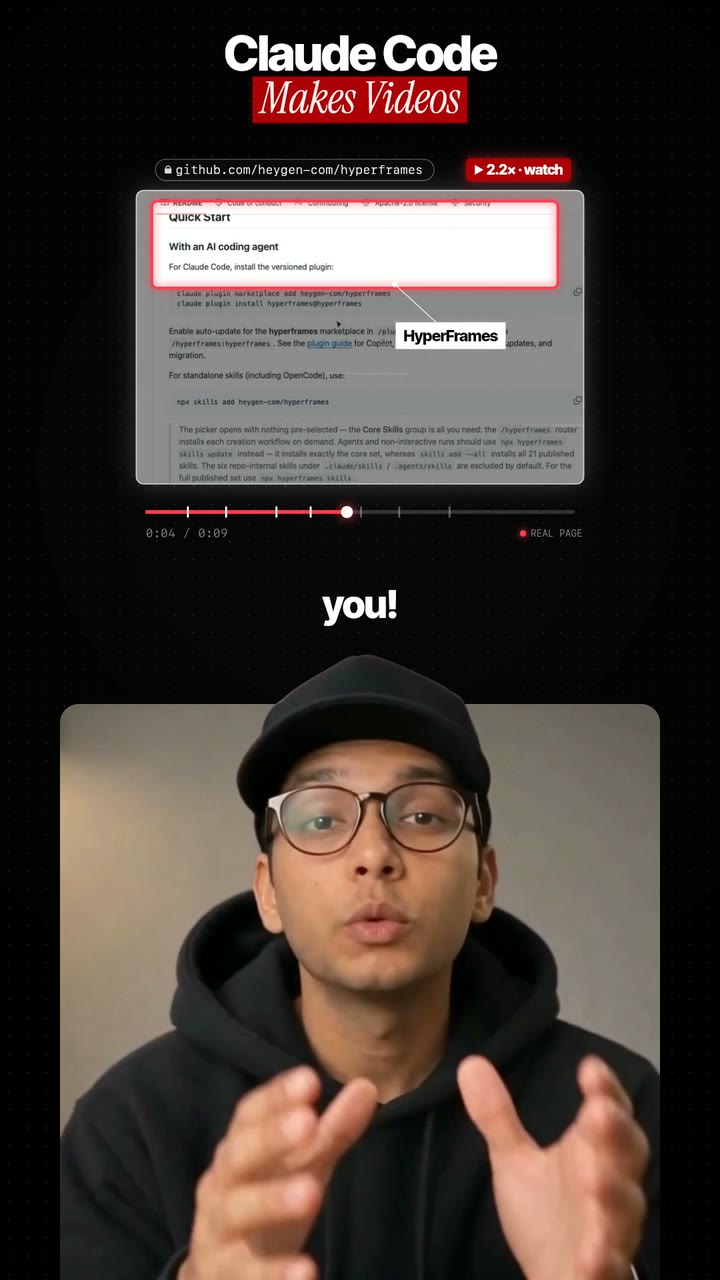
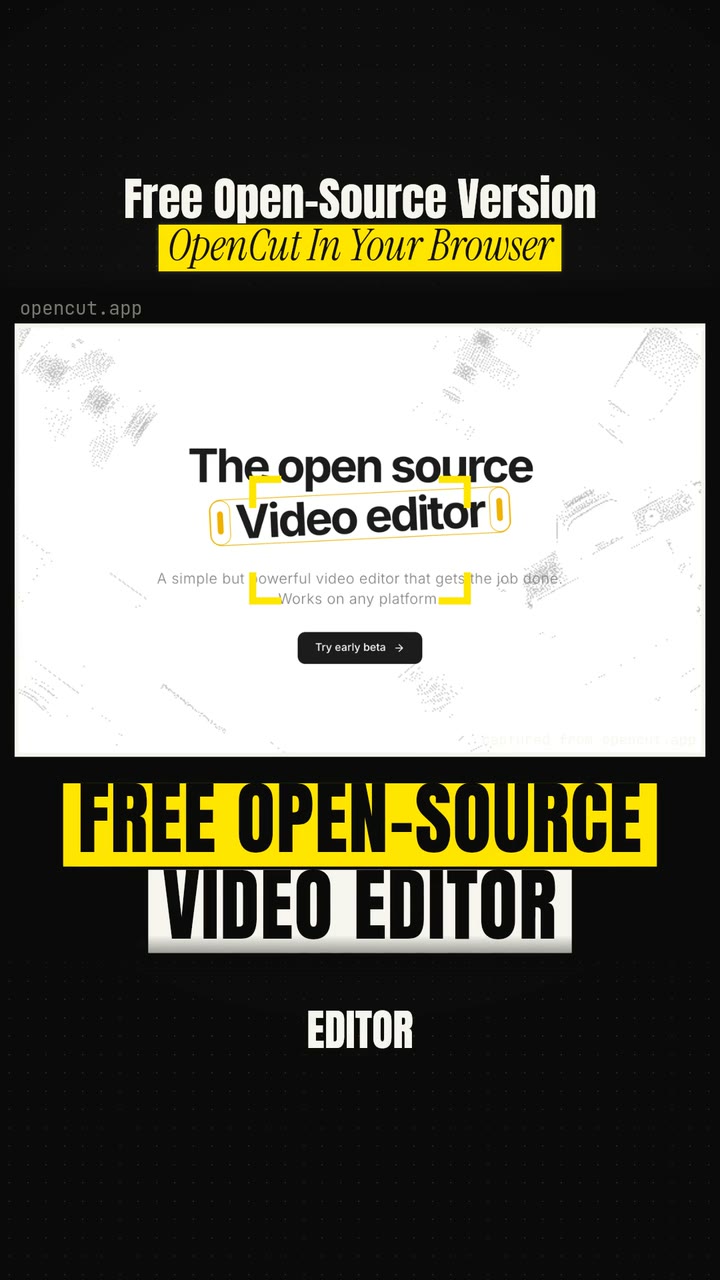
Real renders, not mock-ups
Silence removal is part of every full edit. Want the clean cut to look like a reel? A graphics pass can run it through one of the first two styles.


More than a silence cutter
Most silence removers cut wherever the sound drops below a set level. That removes pauses, but it cannot tell a good take from a bad one. Auteur reads the transcript, so it can also remove repeated lines, false starts like "wait, let me start again", and off-topic chatter like "is this recording?".
Pauses are trimmed to a natural beat instead of cut to zero, so you do not sound rushed. Light punch-ins on the jump cuts keep the edit from looking like a glitch.
You stay in control
Every cleanup is on by default, and each one can be switched off: retakes, long silences, filler and false starts, off-topic chatter, and punch-ins. Every cut is listed with the words removed and why, so nothing disappears without a reason.
Captions can be burned in, delivered as SRT and VTT files, or left off. You can also ask for 3 or 5 vertical shorts cut from the clean edit.
Tips for a cleaner result
When you flub a line, pause, then say the whole line again. Auteur keeps the last complete attempt, so a full retake works better than fixing half a sentence. Record in a quiet room so pauses read as pauses.
The honest comparison
Here is how the common ways to cut dead air compare.
Cutting by hand
Precise, but slow. Finding every pause and bad take in a long recording is the dullest part of editing.
Silence remover apps
Quick and often free. They cut by sound level, so retakes and filler words stay in.
Transcript editors
Descript can remove filler words and lets you cut by editing the text, with lots of fine control.
makerzz
Removes silences, filler, false starts and retakes in one pass, lists every cut, and adds captions, chapters and shorts.
Common questions
01How do I remove silence from a video automatically?
Upload the video to makerzz and start a full edit. Long silences are trimmed by default, along with filler words and retakes.
02Will it cut my natural pauses too?
No. Pauses are trimmed to a natural beat, not removed completely, so your speech still sounds relaxed.
03Can it remove um and uh?
Yes. Filler words and false starts are removed by default. You can switch that off.
04Can I see what was removed?
Yes. Every cut is listed with the words removed and the reason.
05How long can my video be?
Free takes up to 10 minutes of footage, Starter 20 minutes, Creator 45 minutes, and Pro and Scale up to an hour.
06Does it work in other languages?
Yes. Set the spoken language when you upload. Hindi, Hinglish, Spanish and many more are supported.
Your next video
Film it once. We do the rest.
Start free with your first edited video. No card needed.