A talking head video editor that does the cutting for you
makerzz is a talking head video editor built for face-cam takes. Upload your raw recording and Auteur, our AI editing engine, removes the pauses and retakes, adds graphics on your key points and captions every line. You approve the edit and makerzz posts it.
1 free video to start · no card
Three steps, one take
- 01
Record one take
Talk to your phone or webcam. Mistakes and restarts are fine. Upload the whole file.
- 02
Auteur edits it
It keeps the best take of each line, trims silences and picks a hook. Then it builds a visual for each point, so the video is not just your face for a minute.
- 03
Approve and publish
Ask for changes in plain words, approve, and post to every platform or download the MP4.
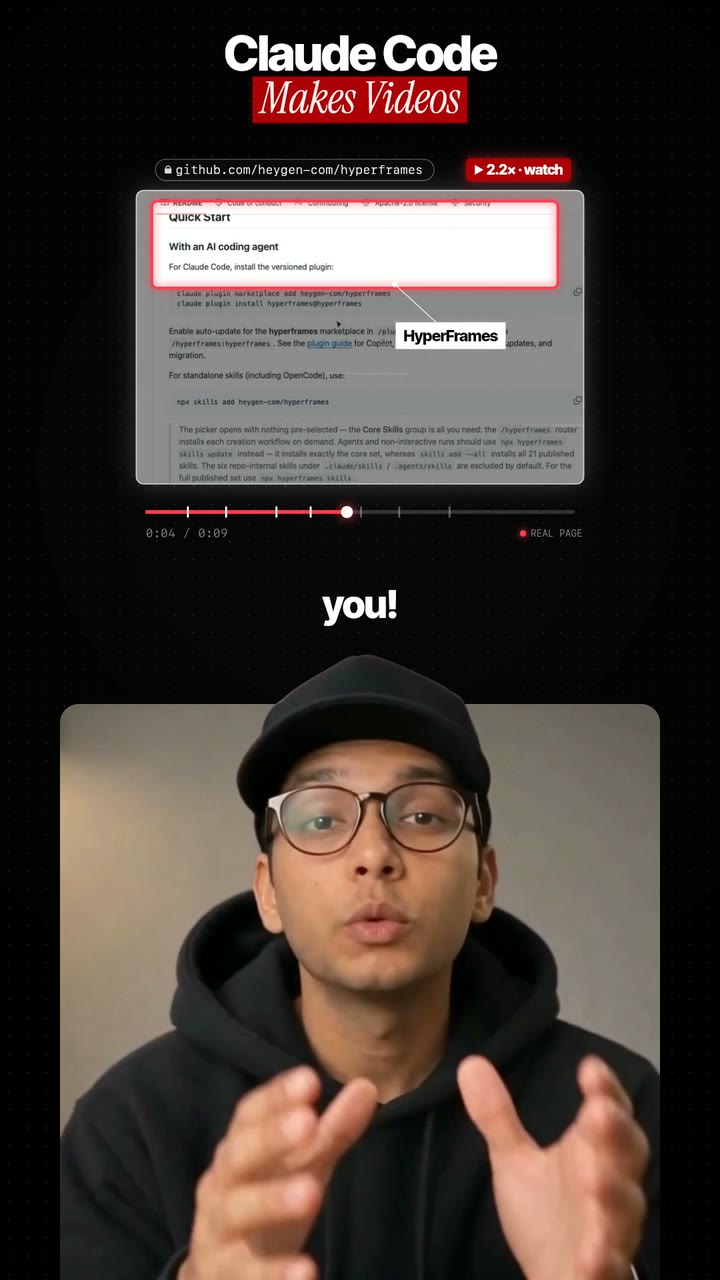
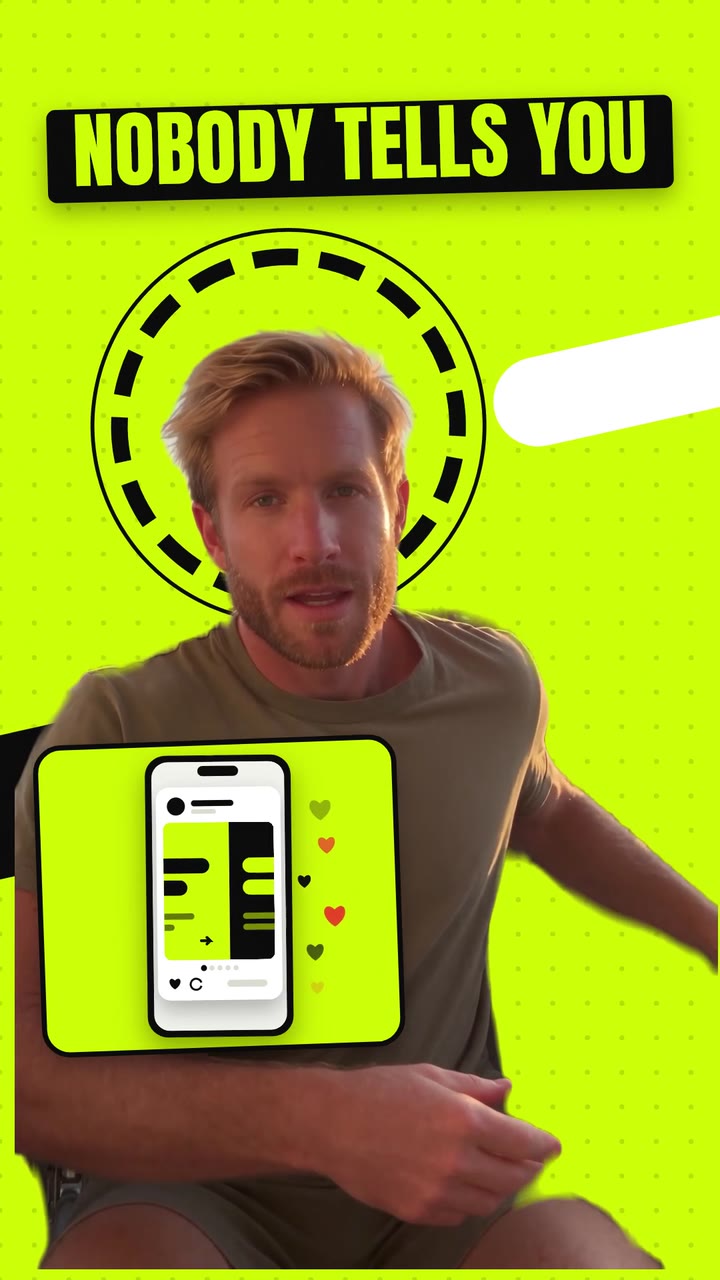
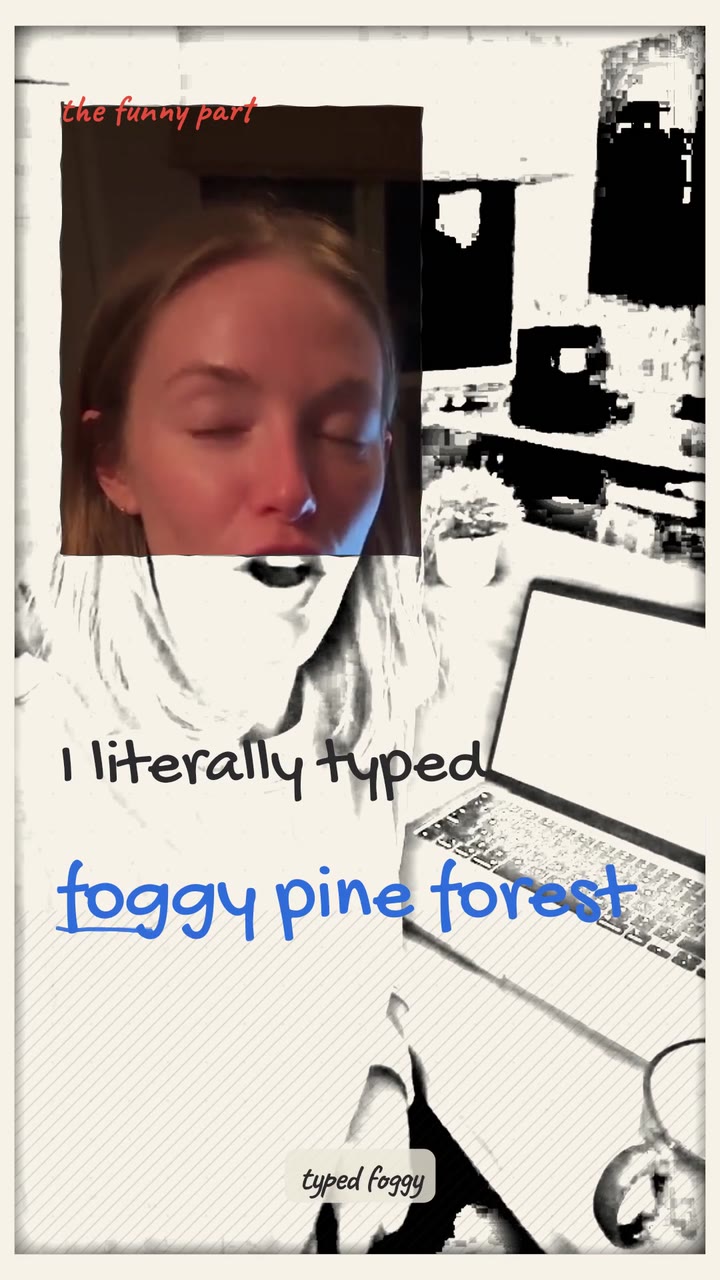
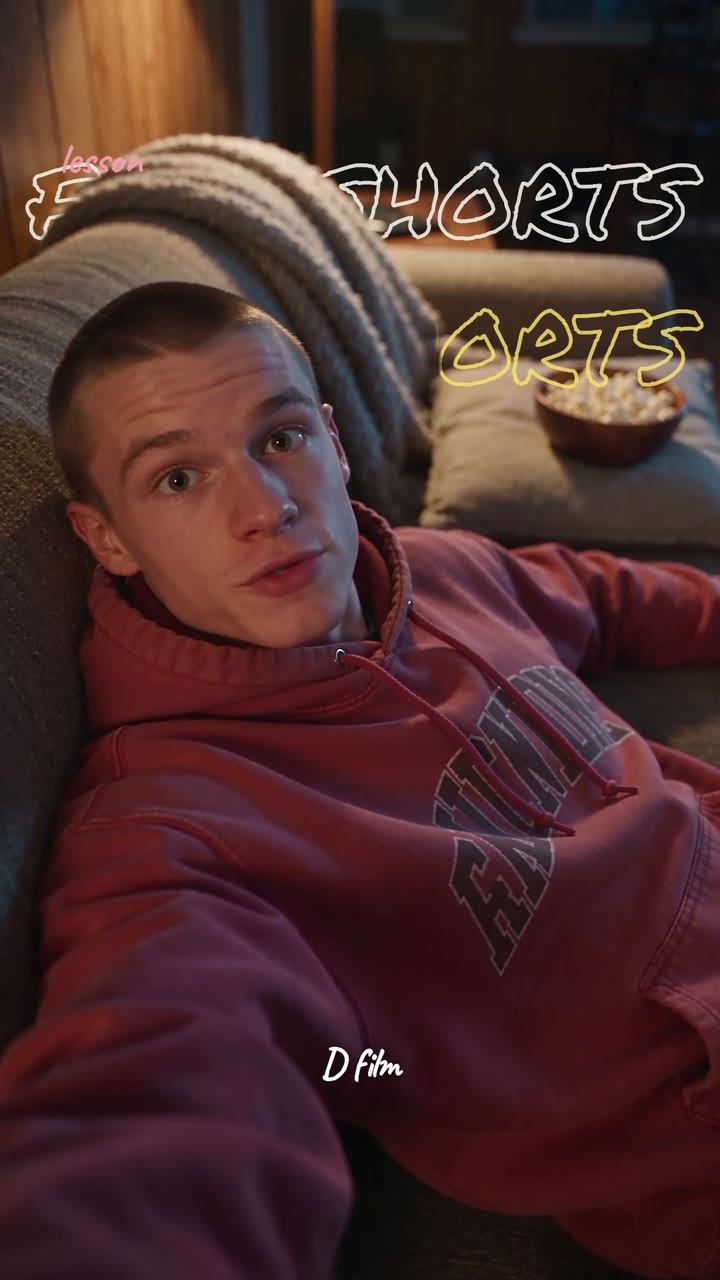
Real renders, not mock-ups
Talking head videos get boring when nothing changes on screen. These styles fix that in different ways.
Long talking videos too
Recorded a long video for YouTube? Full edit mode takes up to an hour of footage. It removes retakes, long silences, filler words and off-topic chatter, adds captions and chapters, and can cut a few shorts from the best moments.
Tips for a better take
Face a window for soft light. Keep the phone at eye level. Say your main point in the first line. Speak in short sentences so captions stay easy to read. You do not need to get it right in one go, because the retakes get cut.
Who it is for
Coaches, consultants, founders, teachers and creators who talk to camera. If you can explain something clearly, you already have the hard part. makerzz handles the cutting, the graphics and the captions, so your weekly videos take minutes of your time instead of hours.
The honest comparison
Here is how the usual ways of editing a talking head video compare.
Timeline editors
Premiere Pro, Final Cut and CapCut give full control. You cut every pause and build every graphic yourself.
Text-based editors
Descript lets you edit by deleting words in a transcript. Great for cleanup, but graphics are still up to you.
Caption tools
Captions.ai and Submagic are quick at captions and simple effects on top of your clip.
makerzz
Does the cleanup and builds a motion-graphics edit in a house style, then posts it. Less hands-on, much faster.
Common questions
01What is a talking head video?
A video where a person talks to the camera, usually filmed from the chest up. Most creator reels and YouTube explainers are talking head videos.
02Does it remove ums and pauses?
Yes. Auteur trims long silences and filler, and keeps the best attempt when you repeat a line.
03Can it edit horizontal videos?
Short edits come back as 9:16 vertical videos. Long-form edits keep a 16:9 frame for YouTube.
04Will it change how I look?
No. Your face and voice stay as recorded. Auteur cuts and adds graphics around you.
05How long can my take be?
Reels work best from a take of a few minutes or less. Full edit mode takes up to an hour of footage.
06Can I try it free?
Yes. You get 1 edited video to start on the Free plan, with no card needed.
07Can I make shorts from my long talking videos?
Yes. Full edit mode can pull a few shorts from the best moments of a long take, each reframed to 9:16 with its own captions.
Your next video
Film it once. We do the rest.
Start free with your first edited video. No card needed.