Full edit from raw footage
Upload up to 50 files, up to 60 min in total (8 GB per file). Auteur keeps the best take of each line and gives you one clean 16:9 cut. Everything below is on by default and can be switched off:
- Remove retakes — keeps the last complete, fluent attempt of a repeated line.
- Remove long silences — trims pauses to a natural beat.
- Remove filler and false starts — “um”, “uh”, “wait, let me…”.
- Remove off-topic chatter — “is this recording?”, talking to someone off camera.
- Punch-in on jump cuts, so a removed retake doesn't look like a glitch.
Captions can be burned into the picture, delivered as SRT and VTT files only, or turned off — and translated into another language with the chapter titles. Shorts: pick 0, 3 or 5 vertical clips pulled from the cut. A graphics pass can run the shorts (or a cut of up to 3 minutes) through Glitch or Graphics First.
The Podcast Pro look
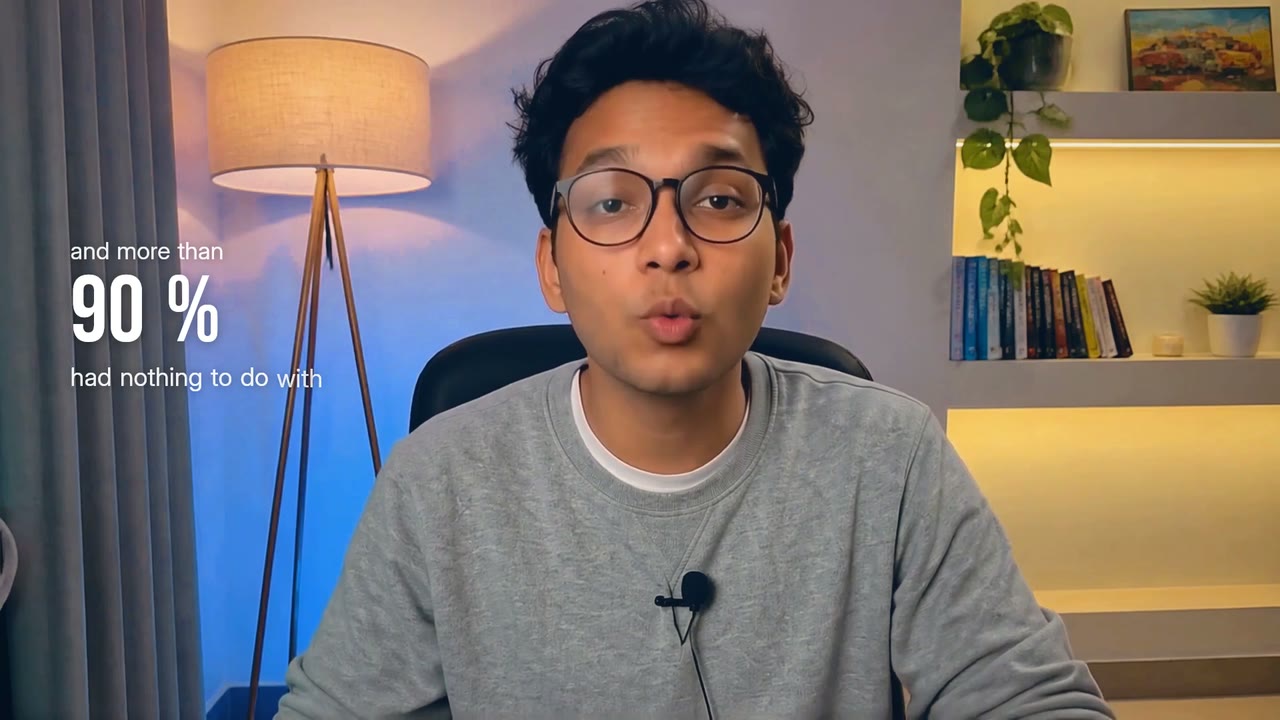
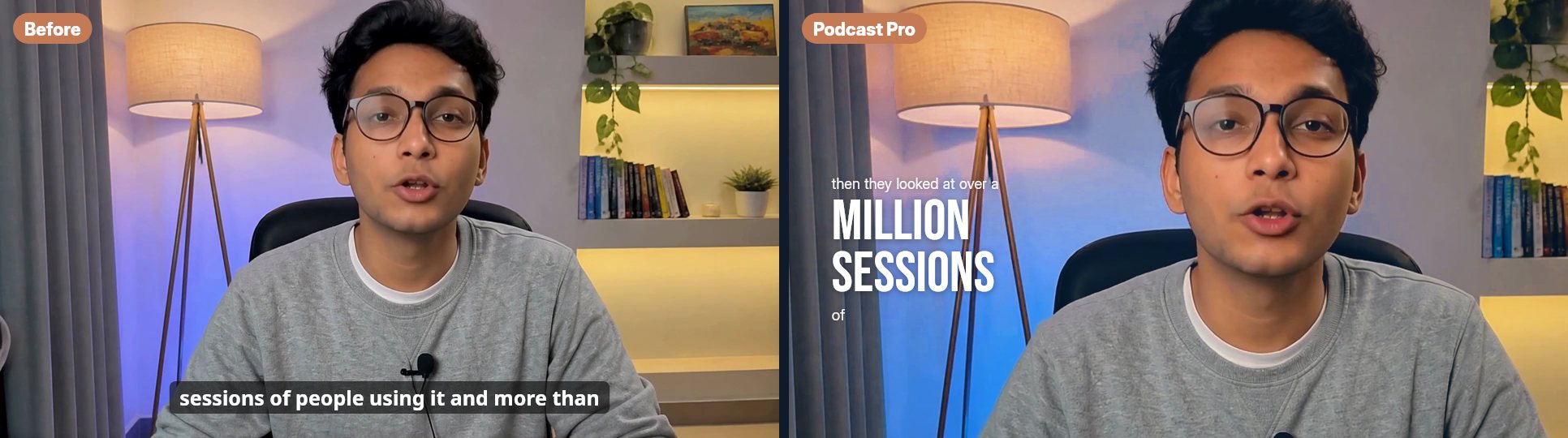
The default look for new long-form edits: a teal-orange grade, a wide / punch-in rhythm every few seconds, big captions beside you and graphics that illustrate what you say. The shorts get the same look. Choose Clean for your footage as shot.
Story from clips
Drop up to 20 clips — phone videos, screen recordings, B-roll — up to 2.5 GB each and 30 min in total. Auteur watches every clip, writes a script, voices it and cuts a story of 15, 30, 45, 60, 90 seconds.
- Voice: your own voice-over upload, the talking take in your clips, or an AI voice (Brian, George, Eric, Sarah, Charlotte, Lily). Auto picks in that order.
- Clip notes (optional): tell Auteur what a clip is — “this is the unboxing”, “my app's onboarding”.
- Research: when the story names a product or site, Auteur can capture the real page. Switch it off if you don't want that.